Teams & dealerships
A stronger team.
A clearer day.
Give your people a focused place to work. Give team leaders the context to help. Bring it together in your dealership’s own drive. workspace.

For team leaders
See the day.
Support the people.
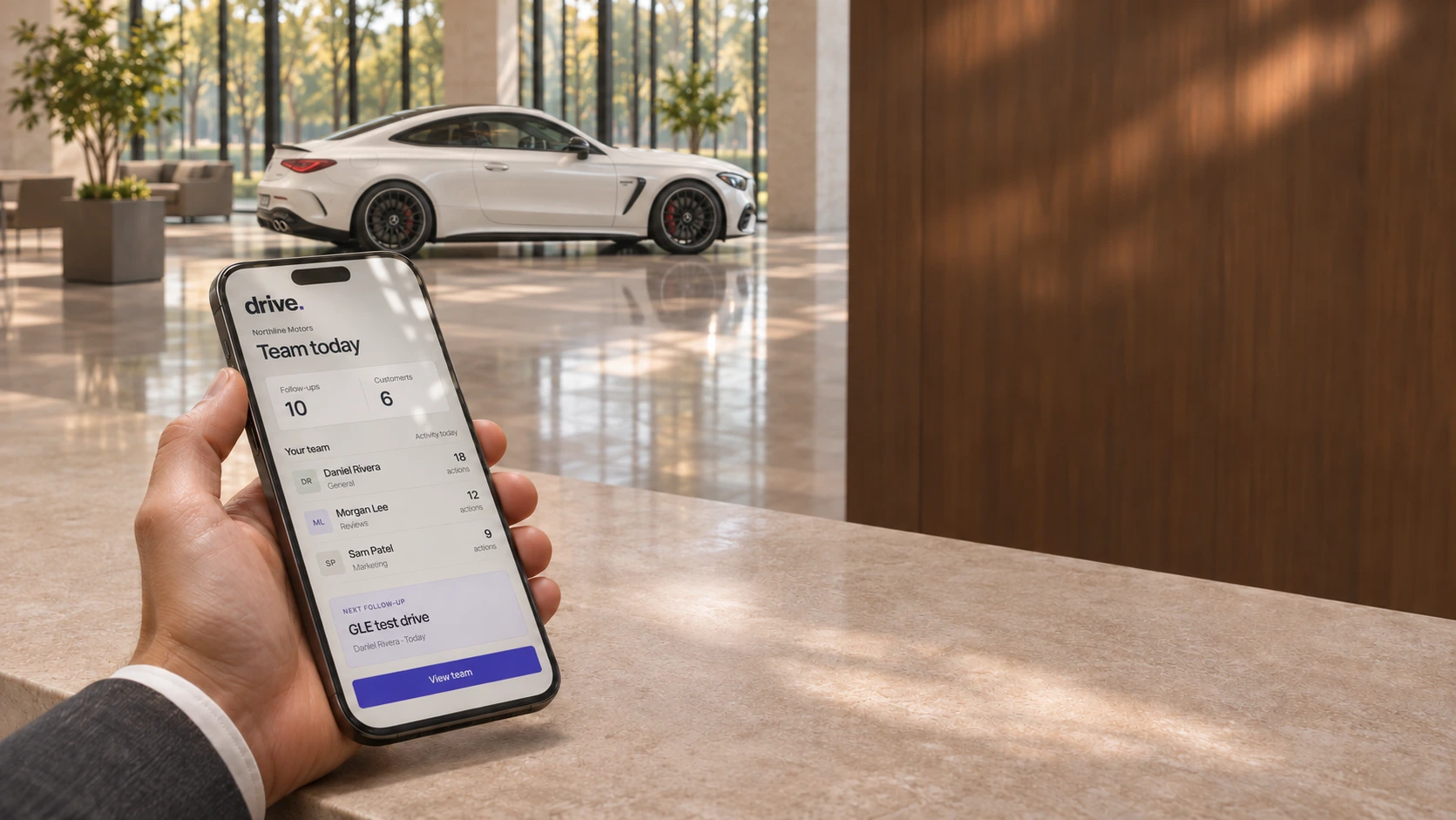
Different customers. Different next steps. See the work recorded across your team, look closer at a person’s day, and give the next follow-up a clear owner.
 Northline Motors · Sales team
Your team
People first.
The work in view.
The team’s day
Work moving forward.
- Follow-ups completed
- 10
- Customers added
- 6
- Messages logged
- 9
Recent activity
- Daniel completed a follow-up
- Morgan updated a customer record
- Sam prepared a vehicle listing
Choose a colleague
A little more
context.
Today, in drive.
Daniel Rivera
General
- Recorded actions
- 18
- Follow-ups done
- 5
- Messages logged
- 4
Recent activity
Completed a customer follow-up
Kept the conversation moving after a showroom visit.
Assigned work
Check in after the test drive
Today · Follow-up · Open
Give the next step a home
Clear direction.
A person to pick it up.
Choose a colleague, set a date, and leave the context they need for the conversation.
Scroll to explore, or choose a view.
Room for each person’s day.
Customer conversations, appointments and assigned work stay close to the salesperson doing them. The wider team view gives leadership the context to support that work.
Direction that follows through.
A follow-up can have an assignee, a due date and a note. The colleague receives an in-app notification and a task to pick up.

For dealerships
Your sales floor.
Your people.
One place to manage them.
The dealership is more than a collection of individual accounts. Bring your staff into a shared workspace, set up the way they work, and keep account access in the hands of the people leading it.
A focused place for your staff.
Each team member has a login connected to your dealership, with their customer work, responsibilities and working language close at hand.
A wider view for leadership.
Workspace leaders can oversee team activity and manage staff accounts. Add people, adjust their setup, and activate or deactivate access as the team changes.
Northline Motors
Interactive example.
A place on your team
Daniel Rivera
Staff member · Own customer workspace
Choose a person to explore their setup.
Start new staff with a direct invitation, and give them a familiar place to find their work. General, Reviews and Marketing responsibilities shape the tools they focus on; account roles determine the wider workspace view.
Bring it to your sales floor
Start with
your people.
A walkthrough shaped around your sales floor.
- Your people.
- Staff access, responsibilities and working languages.
- Your priorities.
- Start with follow-ups, marketing or customer presentation.
- Your systems.
- Review your existing tools and supported connections.
Let’s put your
team in the picture.
See how drive. can work for the people on your sales floor.
Book a walkthrough